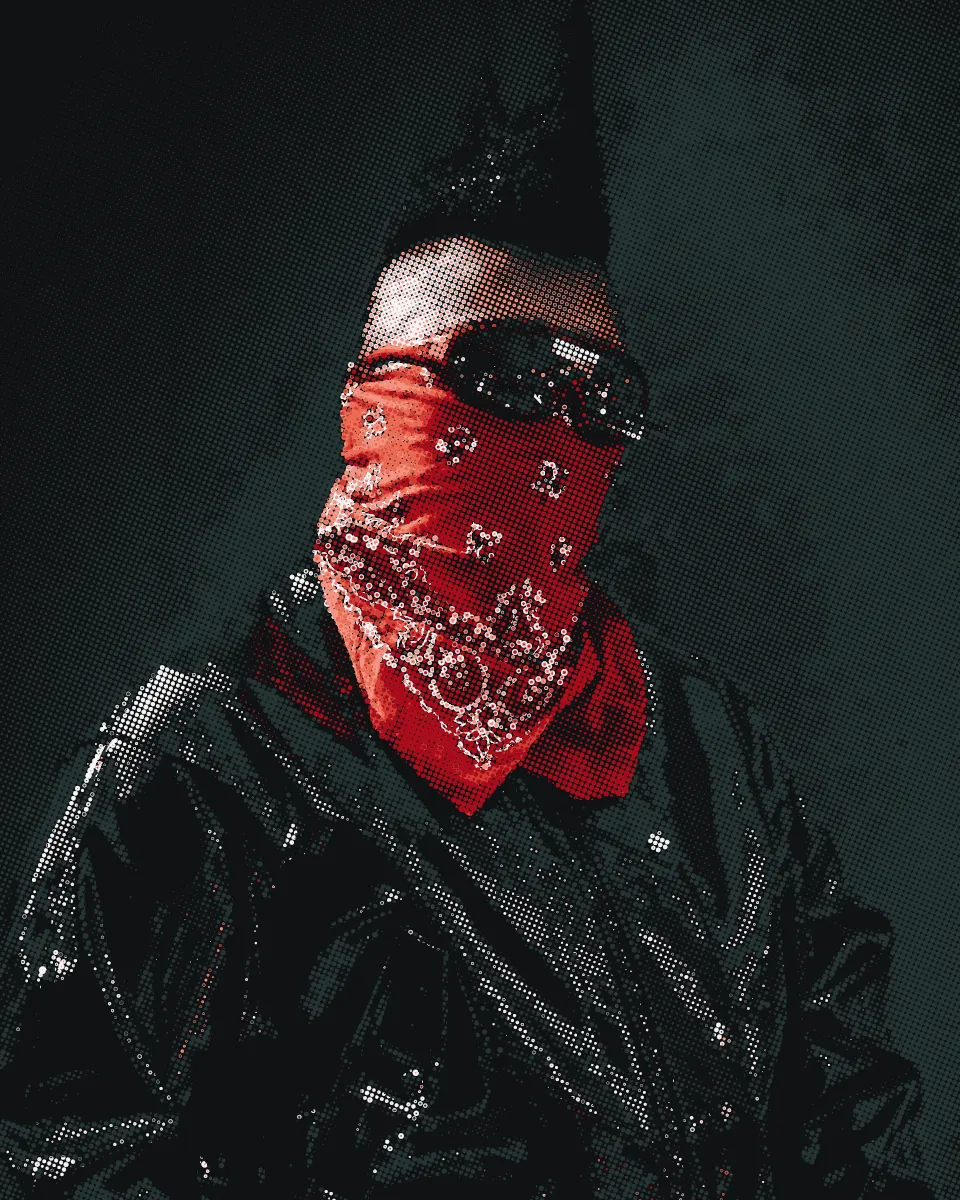
Simulated process separates a photograph or painting into a handful of opaque spot inks, each one halftoned, over a white underbase. It is the standard way to print full-color art on black and other dark shirts, where translucent CMYK inks cannot reach.
How it works
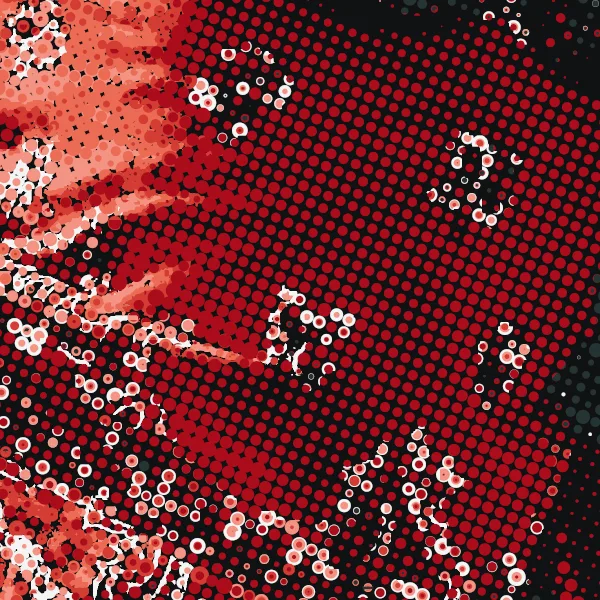
Every color in the image is made from a mixture of the inks on hand: a white, the main colors of the image, sometimes a highlight white. Each ink gets its own halftone screen. Where the dots of two inks overlap or sit side by side, the eye mixes them.
Opaque inks stack. A full white with a color on top is two layers of ink. That is why sim process needs an ink limit: the most ink one spot on the shirt may carry. A heavy shadow without a limit floods the shirt and never cures properly.
The shirt is an ink
On a black shirt, black is free. The shadows of a photo are made by the shirt showing between the dots, not by black ink. No white goes under them either, because white there lifts what was meant to stay dark. Getting this right is most of the difference between a sim print that looks like the photo and one that looks gray and flat.
The exception is fine black detail inside color: thin lines and small type. Knocked out between colors, they fill in on press. Print that detail as its own black screen, last, with no white under it.
One photo on a black shirt at 3, 4, 6 and 8 screens, and how the inks are chosen at each count (more video lessons):
Ruling and angles
- Ruling. 45 to 55 LPI is the usual window. Sim lives or dies on the ruling, so read a step wedge before you commit to a fine one. See find your printable dot range.
- Angles. With five or more halftoned screens, angles have to be shared. Give the screens that cover the most of the print the cleanest angles, and share an angle between two inks that seldom overlap. See halftone angles and moiré.
- Dot on dot. On a press that registers tightly, one angle for every screen removes moiré completely, at the cost of a color shift if registration slips.
Ink straight on the shirt
Where an ink prints with no white under it, the shirt shows through, and how much depends on the ink. Plastisol covers a dark shirt best; water-based and discharge inks cover least. Print each ink at 100% on the shirt, with and without the base, and you know how far to trust it alone.
Common problems
| On press | Likely cause |
|---|---|
| Print looks gray and flat | White under the shadows |
| Colors look dull | Too little white under the light colors, or a thin underbase |
| Shadows plug | Ruling too fine, or maximum dot too high |
| Moiré | Two heavy screens sharing an angle |
| Print feels heavy | Ink limit too high |
In Halftoned
Sim process solves every pixel as a mixture of your ink set, from your ink library or the colors in the artwork. The separation decides where the shirt shows and where the white goes, the ink limit is in layers (2.0 by default), and angles are placed by how much of the print each ink covers. The proof shows the inks over the shirt color before you burn. See which separation to use, the preview or the pricing.