Moiré is the wavy, checkered pattern that shows up across a halftone print when two regular grids beat against each other. In screen printing there are more grids than on paper: every halftone screen has one, and so does the mesh. Angles are how you keep them apart.
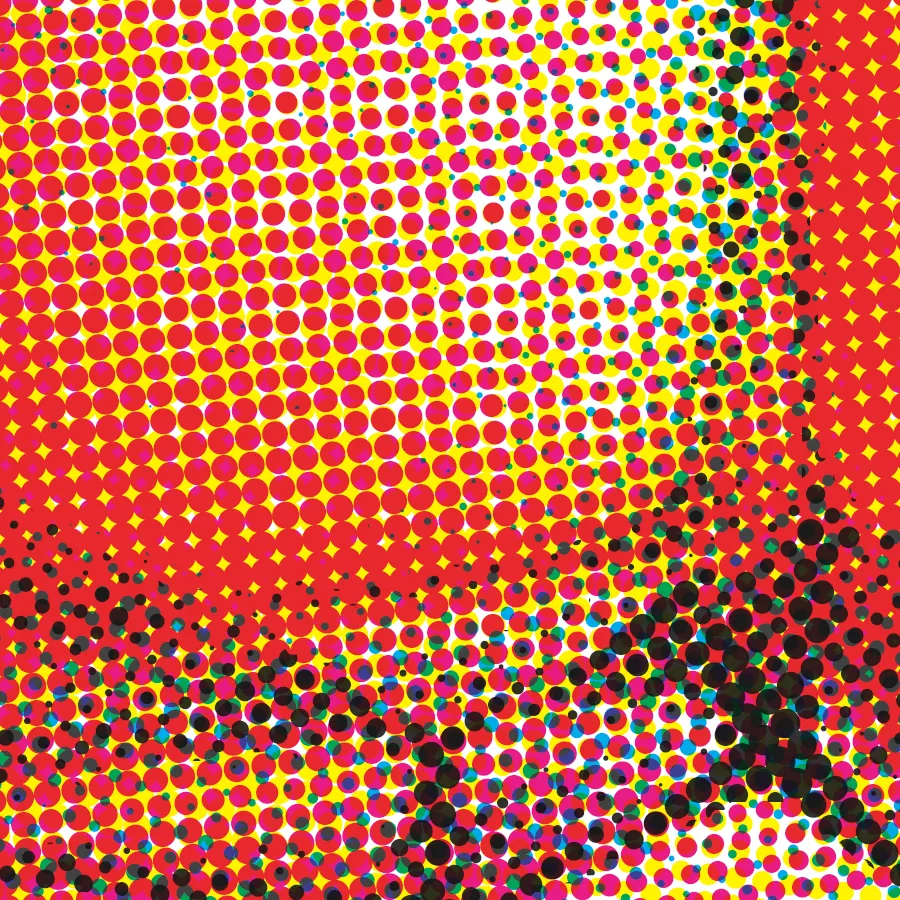
Two kinds of moiré
- Screen against screen. Two halftones printed over each other at a small angle make a large, coarse pattern. This is the classic CMYK problem.
- Screen against mesh. The mesh weave runs square to the frame. A halftone at 0° or 90° lines its dots up with the threads, and the threads cut some dots and not others. This one shows up even on a one-color job.
One color: use 22.5°
For a single halftone screen, 22.5° keeps the dot grid off the mesh weave. Avoid 0° and 90°, which line the dots up with the threads.
Several screens: 15° apart
The working rule is at least 15° between any two halftone screens, measured around 90°. A screen at 5° and one at 95° are the same screen. Rotate screens far enough apart and their interference collapses into a fine rosette that reads as continuous tone.
CMYK angle sets
| Set | C | M | Y | K | Underbase |
|---|---|---|---|---|---|
| Mesh-safe | 22.5° | 82.5° | 7.5° | 52.5° | 37.5° |
| Classic offset | 15° | 75° | 0° | 45° | 37.5° |
The classic set comes from offset printing on paper, where the only grids are the four screens. On a garment, yellow at 0° lines up with the mesh. The mesh-safe set is the classic set turned 7.5°: every pair is still 15° or more apart, and nothing sits at 0° or 90°.
Four screens cannot all be 30° apart in a 90° circle, so one ink has to live 15° from its neighbors. Both sets give that tight slot to yellow, whose pattern is nearly invisible, and keep black, whose pattern shows most, 30° or more from everything.
Spot color and sim process
Solid spot ink does not moiré. Angles matter only where halftoned inks overlap. A square grid has only six angles that are 15° apart, so a seventh halftoned screen has to share one. Give a shared angle to two inks that seldom print over each other. More on angles for dark shirts in simulated process on dark shirts.
A second option on a tight press is one angle for every screen, dot on dot. Nothing beats against anything, so there is no moiré. The cost is registration: a slip does not show as a pattern, it shows as a color shift across the whole print.
Screens with no angle at all
Index separations and dithers print tone as same-size cells with no angle, so there is nothing to beat against the mesh. Stochastic (FM) screens scatter the dots off any lattice. They avoid moiré by having no grid, and trade it for other things: index needs more inks, and FM needs a mesh and exposure that hold very small dots.
When the angles are right and it still moirés
- The ruling is too fine for the mesh. Dots smaller than the mesh opening sit on threads and fall through. See LPI for your mesh.
- The stencil is thin. Mesh knuckles show through a thin stencil and add their own pattern.
- The film was scaled. A film printed at Fit to Page has a different ruling than the one you set.
In Halftoned
Every screen bar shows its angle, and a live moiré check names any pair of screens that sit too close, including the underbase. CMYK starts on the mesh-safe set. Scatter and FM screens are there as experimental options for every dot shape: burn a test before a run. See the preview or the pricing.