The studio
One job, from the file to the films.
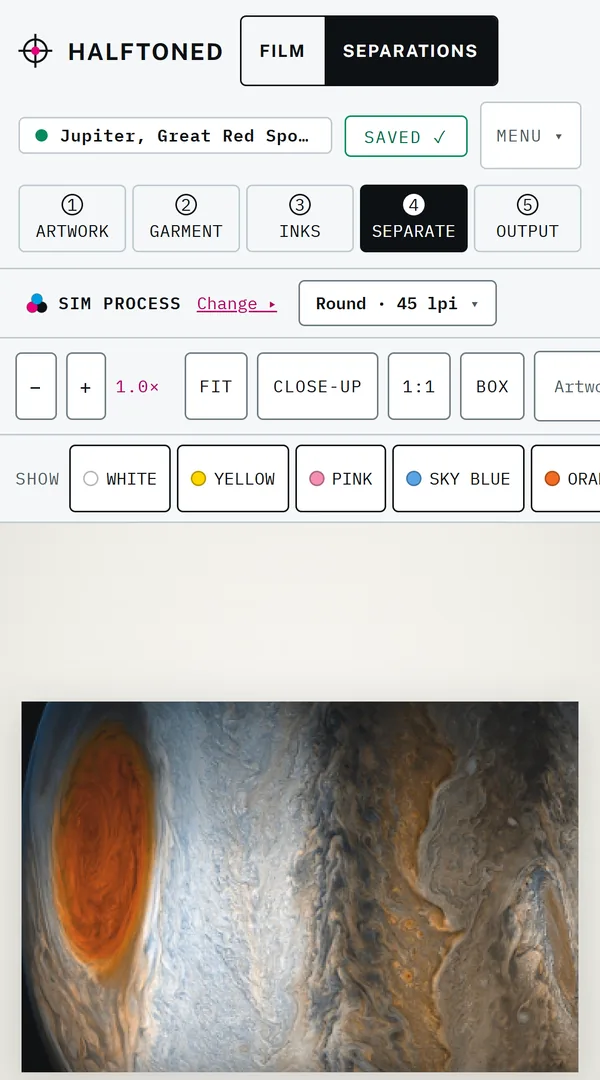
Follow one photo, Jupiter’s Great Red Spot, onto a black tee in sim process, through the studio’s five steps. Every picture is the studio as it is now. Pick a step, then point at a number to see what it does.
1. Artwork. Drop the file. The studio reads it, shows it on every stock color, and suggests how to print it.
- Read first. What the file is before anything else: a photograph in continuous tone, its colors, and whether it is sharp enough at the size you print.
- A suggestion, ranked. Sim process for a photo on black, with the other ways to print it beside it. The suggestion is a reading; the choice stays yours.
- Every stock color. The art on every shirt color before a screen is burned. A star marks the grounds that suit it; +W means a white underbase.
- Continue. Carries the shirt color and the print size into the next step.
Jupiter from NASA’s Juno spacecraft: NASA/JPL-Caltech/SwRI/MSSS, Gerald Eichstädt and Seán Doran (public domain).
Your shop
Set up once. Print it the same way again.
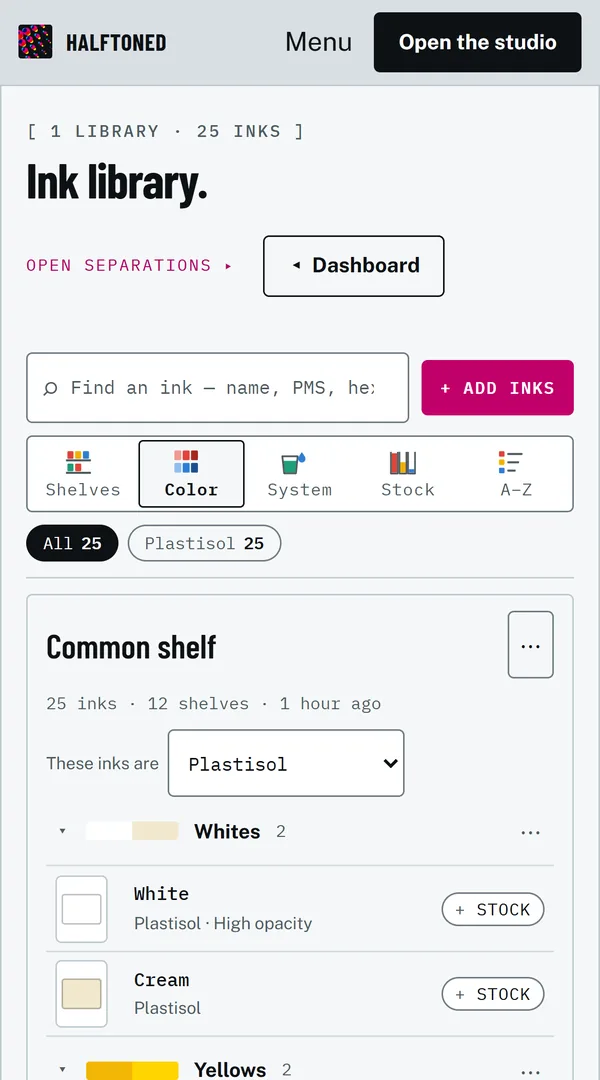
The things a shop sets up once live beside the studio, and every job reads them: your inks, your printer, your calibration, and the jobs you have run.
On a phone
The job in your pocket.
Open a job on the floor and work it from a phone: upload art, size and place it, choose the inks, separate and proof, then export and print. The full studio, image editing and the guided jobs are on desktop and tablet.
See it with your own art.
Bring a file you know well, and judge the films for yourself.