A screen print takes three kinds of software: something to design the art, something to separate it into one image per ink, and a film RIP that turns each image into a halftoned film at exact size. Most shops design in Illustrator, Photoshop, CorelDRAW or Procreate. For the separations and the films, our pick is Halftoned, a browser film RIP with the separations built in. We make Halftoned, so weigh that pick with that in mind; the guides below compare it with the other options, with each maker's page linked.
The short answers
- Separation software splits the art into one image per ink: spot color, simulated process, index or CMYK, with a white underbase on dark shirts.
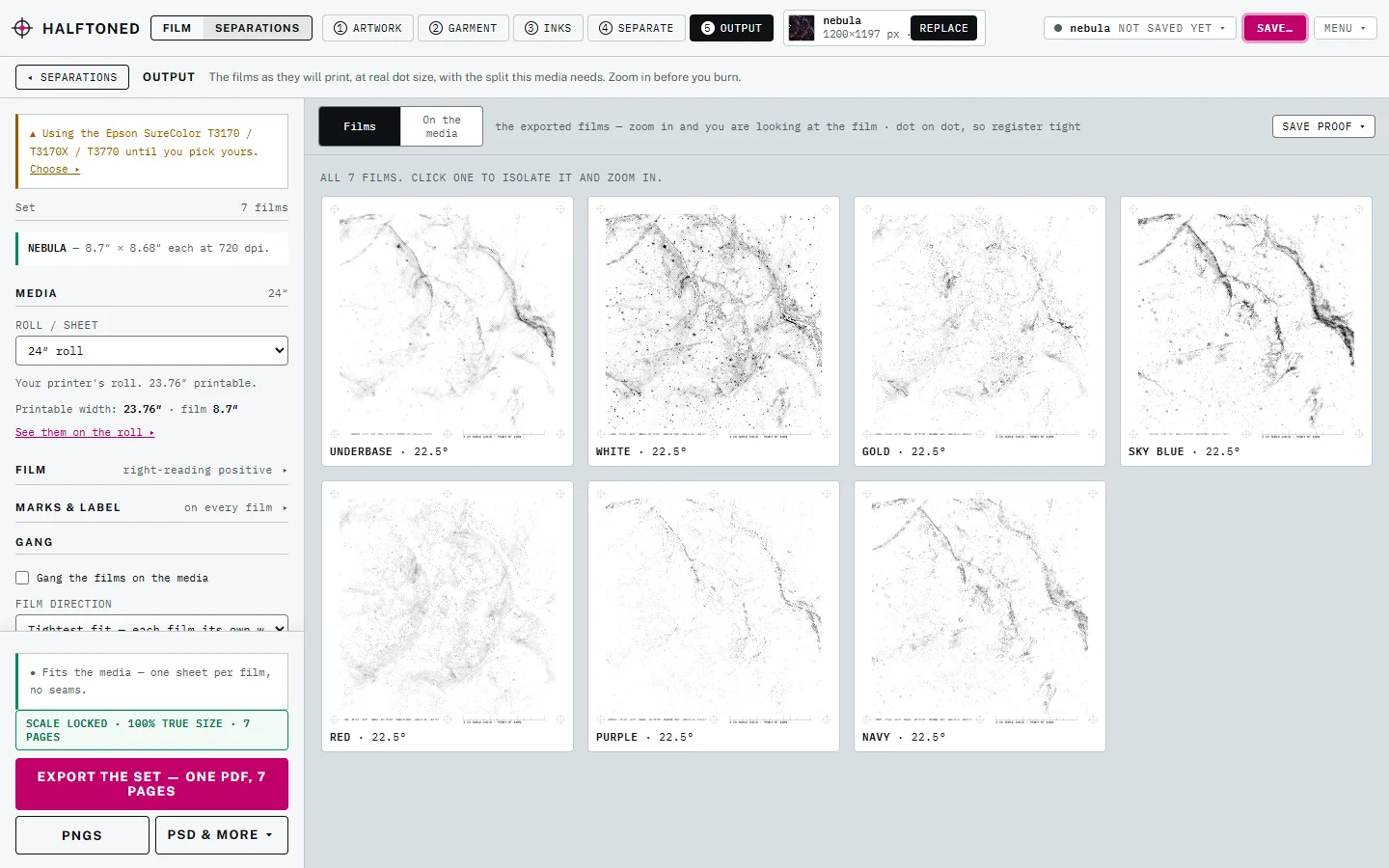
- A film RIP turns each of those into a halftoned film at exact size, with the LPI, angle and dot range you set. Some tools do one job; Halftoned does both.
- Do you need a RIP? Not for a simple one-color job: a halftone from an image editor, printed at 100% with color management off, can work. A RIP earns its place with several films in register, set halftones, dense black and repeat jobs.
- Free tools: the free halftone generator makes a one-color halftone film from a photo, and the LPI calculator gives the ruling for any mesh.
- Where it runs: Halftoned runs in a browser on Mac and Windows, with nothing to install, and prints through any printer that prints a PDF.
Guides in this topic
- Best color separation software for screen printing: Halftoned, Separation Studio NXT, T-Seps, UltraSeps and separating by hand, compared.
- Best film RIP software for screen printing: Halftoned, AccuRIP Emerald, FilmMaker and PrintFab, compared.
- Film RIP software: what to look for: nine questions to ask any RIP before you pay.
- Film RIP software for Mac and Windows: what works where, including tablets and Chromebooks.
- Switching to Halftoned from another film RIP: what stays the same and how to move a job over.
- AccuRIP alternative: Halftoned for shops comparing film RIPs.
Before you choose, see what a separation has to deliver in color separations without Photoshop, whether a browser RIP gets your printer dark enough in can a browser film RIP print dark film, and how to set the dots in halftones for screen printing.
Questions
What is the best software for screen printing separations and films?
For most artists, printmakers and small shops, our pick is Halftoned: spot color, simulated process, index and CMYK separations, a proof with the real dots, and exact-size films, in a browser, for $15 a month or $150 a year with unlimited films.
Can I use Photoshop instead of RIP software?
For a one-color job, yes: make a halftone in Photoshop's bitmap mode and print it at 100% with color management off. For several inks in register, a white underbase and the same result every time, a RIP with separations saves the hand work.
Is there free screen printing software?
Halftoned's free halftone generator makes a one-color halftone film from a photo, and its LPI calculator gives the ruling for any mesh. Separating by hand costs nothing extra if you already own an image editor.
What does screen printing software cost?
Halftoned is $15 a month or $150 a year, with every separation method and unlimited films. The pricing page has the details; the buyer's guides above say how each other product is sold.