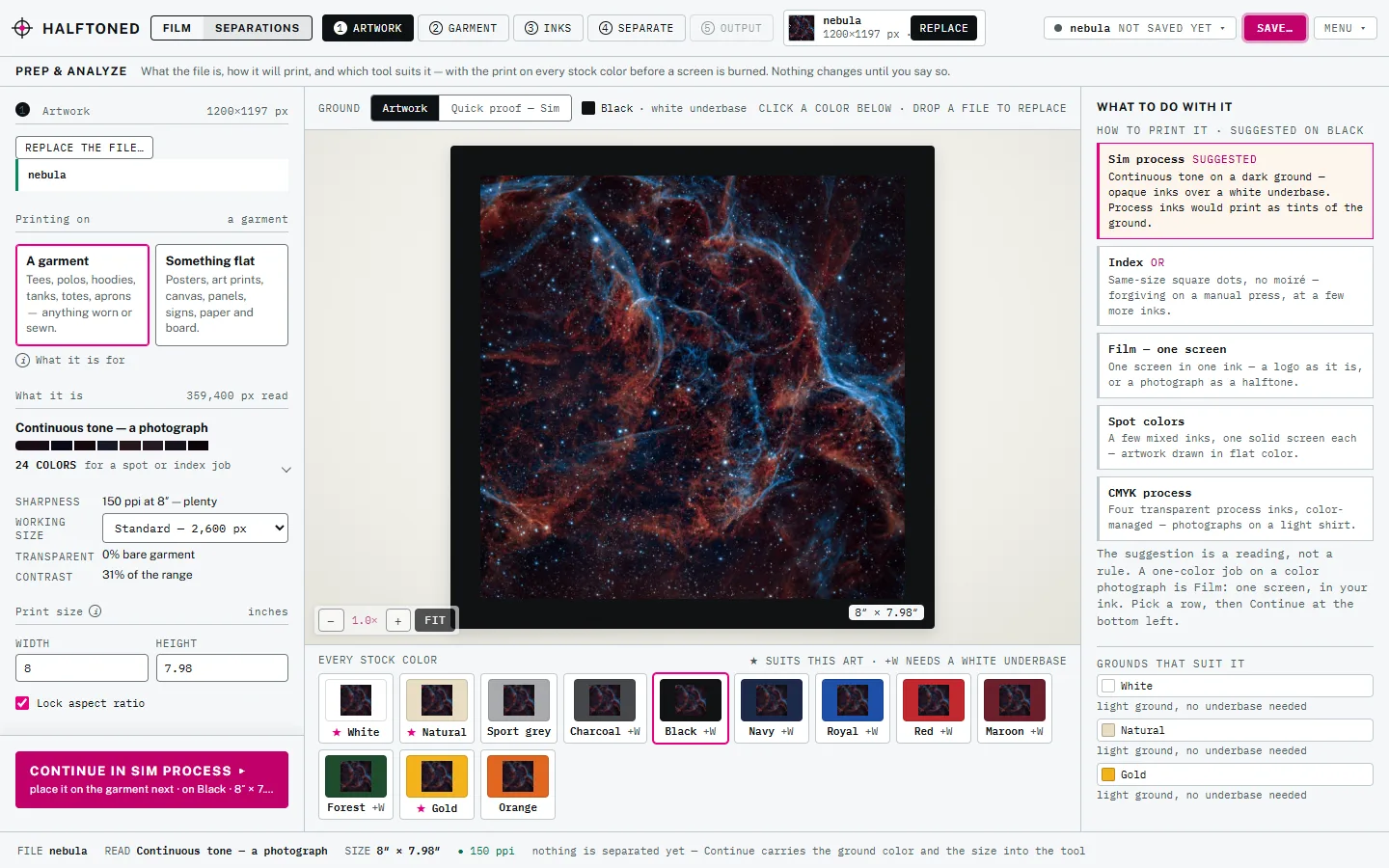
Halftoned is a film RIP for screen printing that runs in a browser tab, so it works the same on a Mac and a Windows PC. There is no installer, no driver plugin and no license tied to one machine: you sign in, make the film, and print an exact-size PDF from the computer your printer is attached to.
How it works
You load artwork, set the size, check the dots, and export an exact-size PDF. You then print that PDF at 100% from the computer your printer is attached to. Halftoned never talks to your printer, so there is no print driver of ours in the way.
The studio runs in current Chrome, Edge, Firefox or Safari. If a browser is missing something the studio needs, Halftoned says which piece at the start.
Print day, step by step
- Export. The Output step saves one PDF with a page per film. Each page is exactly the size of its film, so there is nothing for the printer to fit or shrink.
- Open the PDF and print at Actual Size, 100%. Never Fit to Page or Shrink to fit.
- Set the driver. Color management off, the film or transparency media setting, and color density raised. These are in the printer maker's own dialog on a Mac or a Windows PC.
- Check the ruler. Every film carries a scale-check ruler. Lay a steel rule on it, tick to tick. If it reads true, the film will register.
The driver settings are the same idea on both systems; only the dialog looks different. The printer list has the maker's film settings for the models that publish one, and how to print film positives on an inkjet walks through them.
What you need
| Computer | A Mac or a Windows PC with a current browser |
| Printer | Any printer that can print a PDF at 100%, with its maker's driver installed |
| To install | Nothing |
| Connection | You sign in to open the studio. Your artwork is processed on your own computer |
Using more than one computer
A shop often separates on one machine and prints from another, or has a Mac in the art room and a PC by the printer. That works without extra licenses.
- Your shop settings (printers, calibration, press curve and ink libraries) can be saved to your account on one computer and loaded on another.
- Any job exports as a single file that opens on another computer with the artwork and every setting in it.
- Studio + Cloud keeps your named jobs on your account, so they open on any machine you sign in on.
Tablets, Chromebooks and phones
You can separate and check a job on an iPad or a touch laptop: tap to inspect, drag to pan, pinch to zoom. A phone handles the separation, the inks and the export; the image editing tools are on a larger screen.
Print the films from a Windows or Mac computer. iPads, Chromebooks and phones print through AirPrint or the system's own print service, which has no printer-driver dialog, so there is nowhere to raise density and films usually come out too thin. See can a browser film RIP print film dark enough.
Price
$150 a year or $15 a month, unlimited films. See the pricing or the preview. Comparing film RIPs? Here is what to look for.
Questions
Is there film RIP software for Mac?
Yes. Halftoned runs in a browser, so it works on a Mac the same way it does on Windows. You print the finished PDF through the Mac's own printer driver.
Do I have to install a print driver or plugin?
No. Halftoned saves an exact-size PDF and you print it with the driver your printer already uses. Nothing of ours is installed on the computer.
Can I use it on two computers?
Yes. Sign in on either one. Shop settings can be saved to your account and loaded on the other computer, a job exports as a file, and Studio + Cloud keeps named jobs on your account.
Can I print films from an iPad?
Make the film there if you like, but print it from a Mac or Windows computer. An iPad has no printer-driver dialog, so the film usually comes out too thin to block light.